Standing Desk Home Office: The Health Case, and How to Make It Beautiful
This post contains affiliate links. If you buy through them, I may earn a small commission — at no extra cost to you. I only recommend products I’d genuinely specify as an architect.
My first standing desk home office was a cardboard box on a normal table.
It held the laptop at roughly the right height and looked exactly as bad as that sounds. I stood anyway, because it was a nice change to stand for a few hours during a fourteen-hour drawing session.
Years later I bought the motorized version. The box had solved one problem out of three.
The desk goes up. The screen stays where it was unless you move it, and your forearms end up somewhere between the two.
The desk is just part of this decision. The expensive part is what it does to a room you also live in.
So this post covers what the research supports, which measurements move together, and how to keep the frame from making your living room look rented.
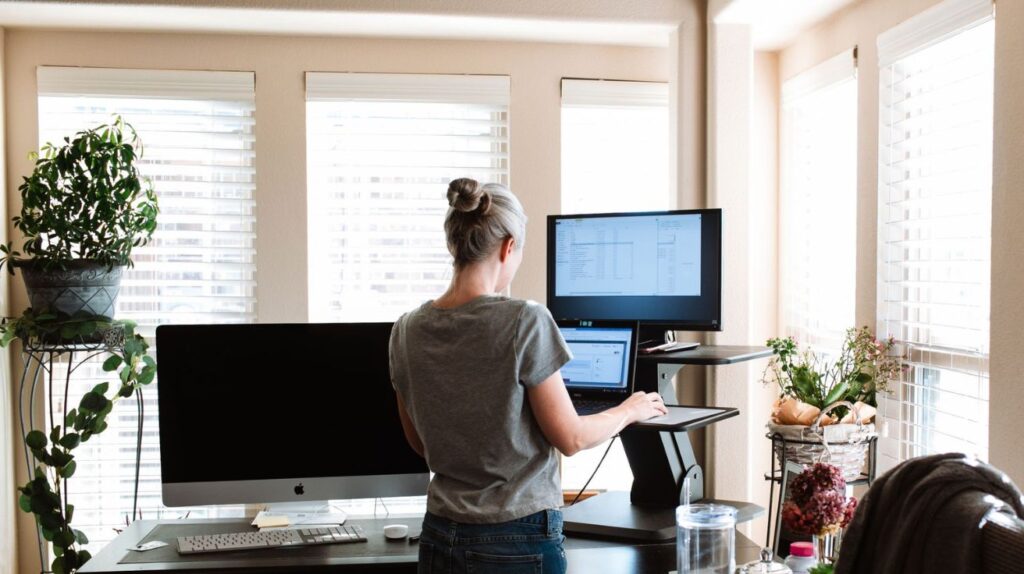
Source: pexels.com.
What Standing All Day Actually Does to You
The health story got loud around 2015 and has quietly changed since. Two large pieces of evidence do most of the work.
The one result the research agrees on
A Cochrane review pooled 34 studies covering 3,397 office employees, asking one question. Does anything actually reduce sitting at work?
Sit-stand desks came out best. Over the first three months they cut sitting at work by about 100 minutes per workday, with a pooled range of 84 to 116 minutes.
Two of those studies followed people for three to twelve months. By then the effect had shrunk to roughly 57 minutes less sitting per day, which is what novelty does.
The reviewers labelled this low-quality evidence. The phrase describes their confidence rather than the desks. Most trials were small and loosely designed, so the true figure could sit some way from the estimate.
Two findings survive that caveat. The desks reduced total daily sitting rather than only sitting at work, and they broke up the unbroken stretches of thirty minutes or more.
The same review found no harm from standing more. No rise in musculoskeletal pain, no varicose veins, no drop in productivity.
Standing more is not the upgrade it was sold as
In 2024 a University of Sydney team tracked 83,013 adults wearing activity monitors for seven to eight years.
More standing did not improve heart health. Rates of coronary heart disease, stroke and heart failure stayed flat, and standing was linked instead to more circulatory trouble.
Sitting for over ten hours a day raised both risks. People quoting this study as proof that standing desks are bad tend to leave that part out.
The authors added a caveat worth repeating. Their data measured all standing, and desk time is a small slice of it.
The number worth building a day around
An expert panel writing in the British Journal of Sports Medicine put a figure on it. Desk-based workers should work up to two hours a day of standing and light walking, then build toward four.
Berkeley’s ergonomics guidance turns that into a rhythm you can follow. In each half hour, sit for twenty minutes, stand for eight, move for two.
You are buying a desk that changes position several times a day, not a desk you stand at.
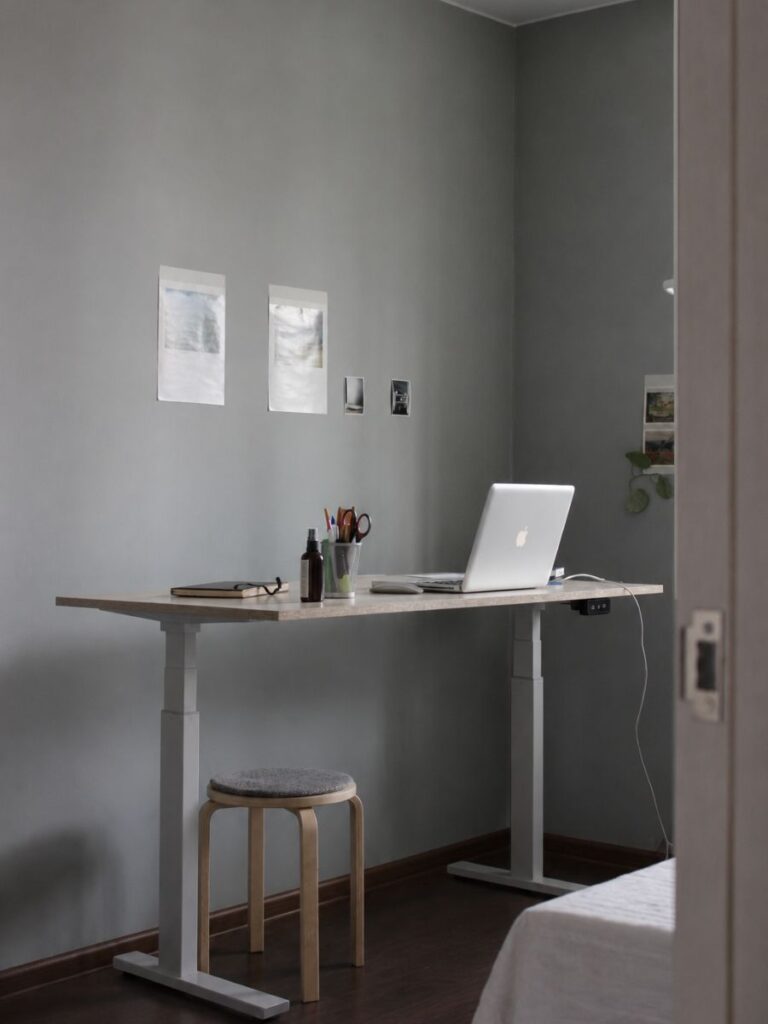
The Three Heights That Don’t Have to Move Together
Most ergonomic home office ideas stop at the desk. The desk is one of three measurements, and changing it alone is why people give up in month two.
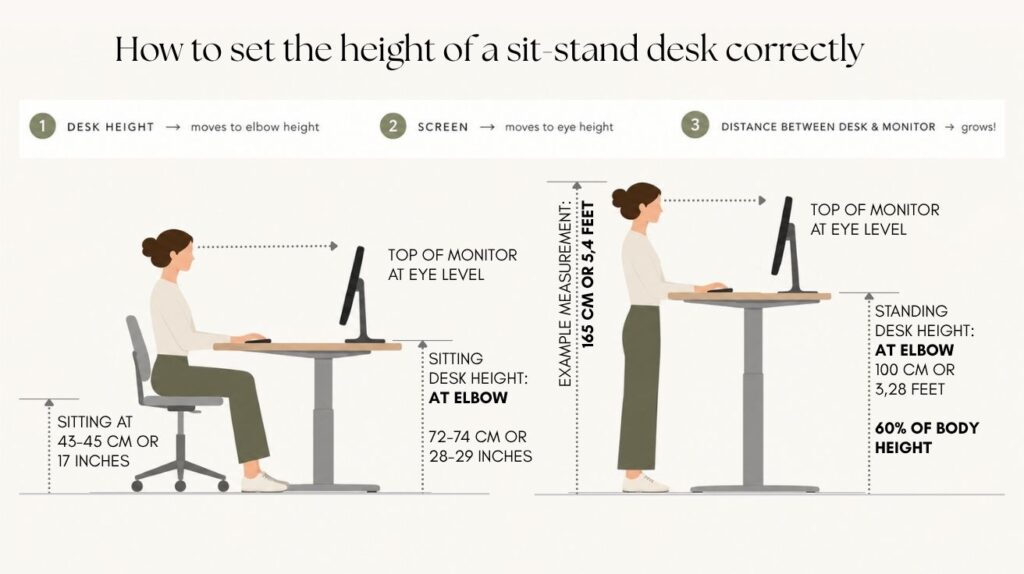
1. The surface goes to elbow height
Standing work wants the top at your elbows, shoulders hanging heavy. That lands near 105 cm for a 175 cm adult, or roughly 60 to 64 percent of body height.
A fixed desk sits at 72 to 76 cm. A kitchen counter sits at 90 to 95 cm and suits neither position, which is the dead zone I mapped in here, a post about how to choose the best place in your home for a home office.
Do not take the 105 cm on trust, because body proportions vary more than height does. Stand upright, drop your shoulders, and bend your elbows to a right angle with your forearms level.
Measure from the floor to the underside of your elbow. That is where your keyboard has to sit, which on a flat desk with no tray is the desktop height.
Do it in the shoes you actually work in. Bare feet and a 3 cm sole give you two different desks, and that gap is enough to lift your shoulders all day.
2. The screen has to rise too
Here is the failure nobody photographs. You stand, the desk follows, and the monitor arrives well below where your eyes now are.
OSHA puts the top of the screen at or just below eye level, at least 50 cm away. The preferred viewing range is 50 to 100 cm.
3. The gap: here is the trick, the difference between standing and sitting position
Standing does not raise your eyes and your elbows by the same amount. It opens up more distance between them.
The desk follows your elbows, and the screen sitting on the desk follows them too. Your eyes have gone higher than that, so the screen ends up low.
Standing does not raise your eyes and your elbows by the same amount. It opens up more distance between them.
For an adult around 175 cm, the elbows come up roughly 30 cm from sitting to standing. The eyes come up closer to 40 cm.
The desk follows your elbows, and the screen sitting on the desk follows them too. Your eyes have gone about 10 cm higher than that.
So the screen ends up low, even though nothing on it moved. A laptop on a fixed riser has the same problem, because the riser travels with the desk.
If you want your own figures, this takes two people and a tape. Have someone measure your elbow height and your eye height while you sit, then again while you stand.
Subtract the two elbow numbers, then the two eye numbers. The difference between those results is how far your screen has to climb, and for most people it falls between 10 and 15 cm.
The forearms decide whether you last
Cornell asks for wrists flat and straight relative to the forearms, with the monitor casing 5 to 8 cm above eye level.
A laptop keyboard fights that. It pulls your hands inward and up, so an external keyboard is the cheapest fix here.
What a Standing Desk Home Office Costs in Floor Space
A rising desk takes the same floor area as a fixed one of the same size. The cost turns up somewhere less obvious.
Why 60 cm is the working minimum
Some frames take a top as small as 90 x 50 cm. Manufacturers push that depth because it sits tight against a wall.
Skip it unless the room leaves nothing else. Ten centimeters of empty air behind a desk barely changes how a room feels. Ten centimeters of surface changes your whole day.
Sixty centimeters is where a laptop, a keyboard and a mug stop competing. The full reasoning on depth sits in the desk sizes guide, and it does not change because the legs move.
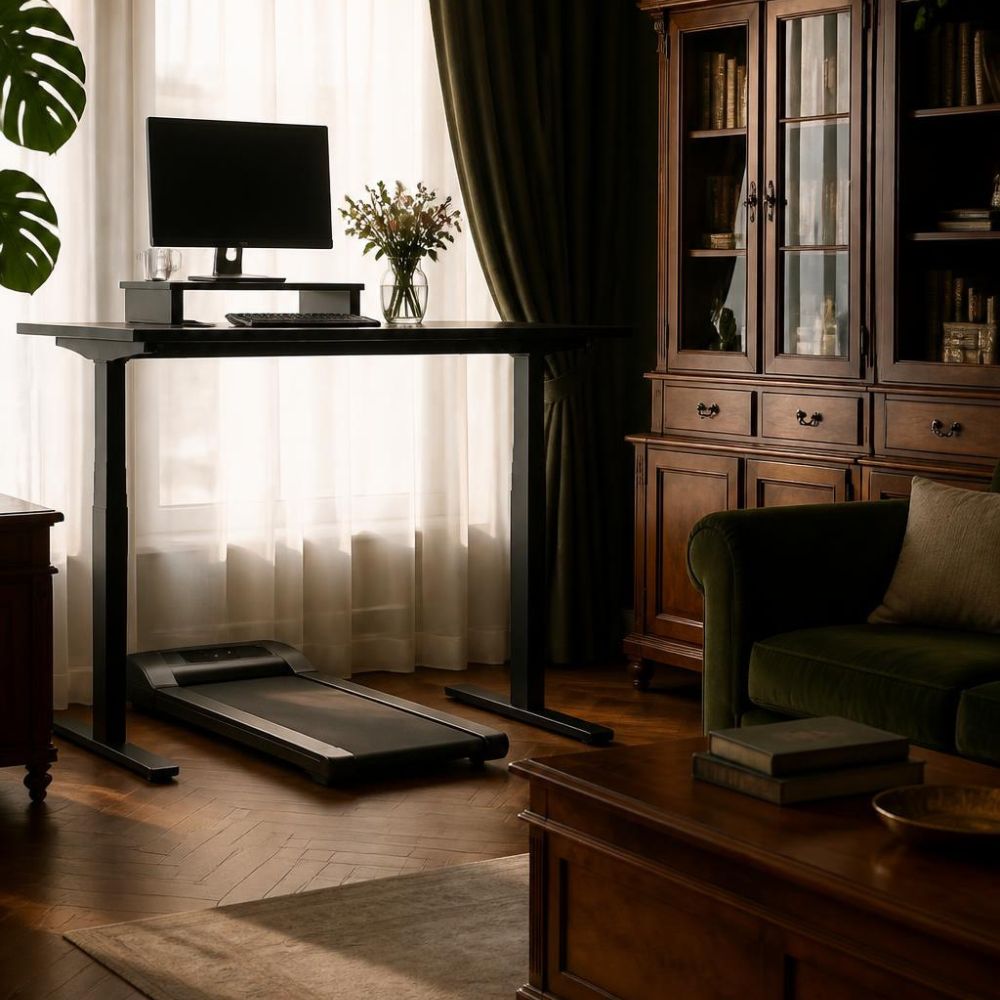
Chair clearance does not disappear
You still sit for most of the day. So you still need 90 to 100 cm of clear floor for the chair.
Measure it from the front edge of the desk backward rather than from the chair, since the chair is the thing that moves. The number has to cover the seat pushed out and you standing up behind it.
Anyone planning a stand up desk office layout forgets this, because the marketing photos show nobody sitting. Check the route from door to window first, using the small living room layout rules.
The sightline nobody warns you about
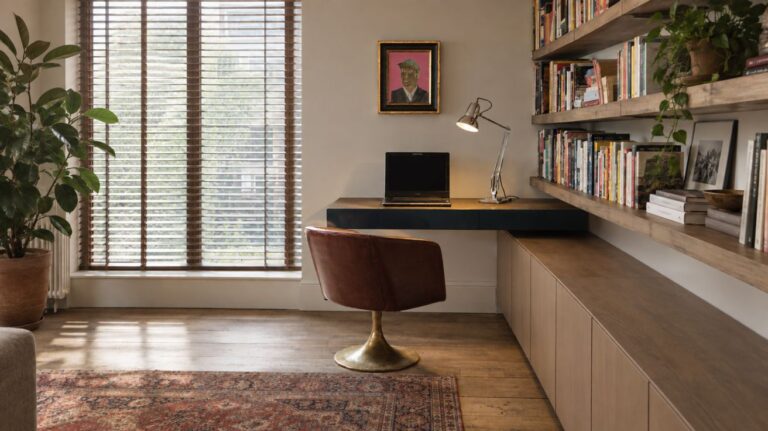
At 105 cm the desktop crosses the back of your sofa, a low bookcase, and often the window sill.
In a studio it becomes the tallest horizontal surface in the room. An open studio apartment layout needs that line to read as deliberate. Against a wall it looks like a counter, and out in the floor it looks like a barrier.
Whichever situation matches your hours, the floor cost of a standing desk home office is knowable before you order.
| How you work | What to get | Floor cost | Trade-off |
|---|---|---|---|
| Laptop, one or two standing hours a day | Desktop riser on the table you own | None | Working surface shrinks when raised |
| Full days, one monitor, desk lives in the living room | 120 x 70 cm dual-motor frame, monitor on an arm | Same as a fixed 120 x 70, plus 90–100 cm behind the chair | Reads as equipment unless the top matches the room |
| Room converts every evening | Wall-mounted shelf fixed at your standing height | Close to zero | No seated option at that surface |
| Drawing, sewing or model work happens here too | 140–160 x 80 cm freestanding frame | The footprint of a single bed | Only worth it if it also divides two zones |
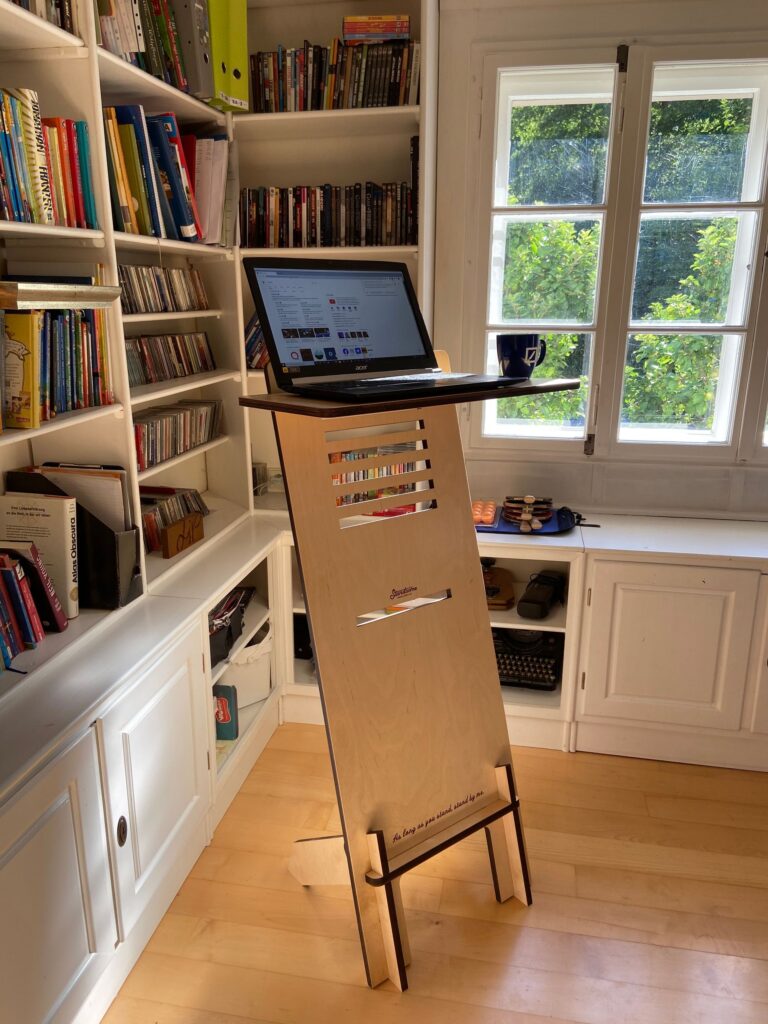
Cables, Wobble, and Noise
Three details separate a desk that looks considered from one that looks flat-packed. None appear in a product listing.
Cable slack has to cover the full travel
Every cable travels the whole height range, several times a day. A monitor lead that reaches at 74 cm pulls tight at 105 cm and eventually unplugs itself.
Plan a tray under the top before the desk arrives. Gather everything into one lead down to the wall, and leave a generous loop.
This is what separates a clean standing desk aesthetic from a visible tangle. Hidden cables are most of what people admire in those photos.
Wobble at full height
Raise a cheap frame to standing height and it moves while you type. This is the most common complaint, and the hardest to live with.
Two things prevent it. Choose a dual-motor frame with one motor in each leg. Then pick a weight rating well above what you plan to load onto it.
Add up the top, the screen, the arm and anything else that stays there. A 27-inch monitor on an arm with a solid wood top comes to roughly 30 to 35 kg, so a frame rated at 80 kg or more leaves the headroom that keeps it steady at full extension.
Important: a frame carrying 90 percent of its rated load will flex at full extension even when it holds.
Move the desk between tasks rather than mid-call and the noise stops mattering.
How to Try a Standing Desk Home Office Before You Commit
A standing desk home office is a habit before it is furniture. Test the habit on something cheap.
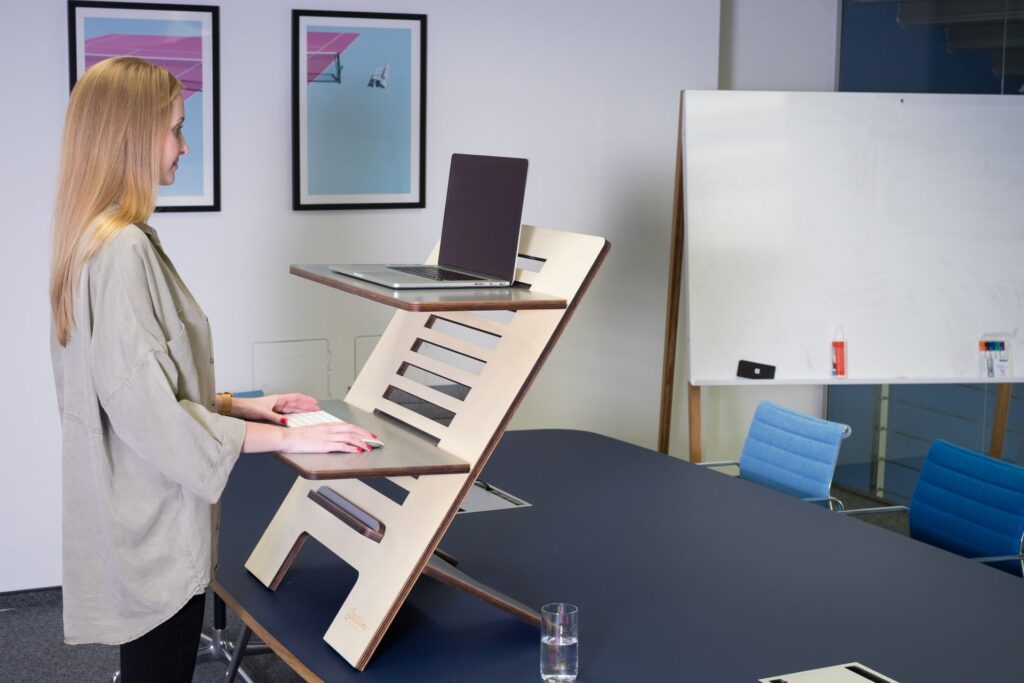
The desktop riser is the honest trial version
A riser sits on the desk you own and lifts the laptop, or the keyboard and screen together. Nothing about the room changes.
Two limitations matter. The raised surface is smaller than your desk, and the seated height underneath stays whatever it was.
Give it three weeks. If you stop raising it after the first fortnight, the furniture was never the problem.
The DIY hall of fame
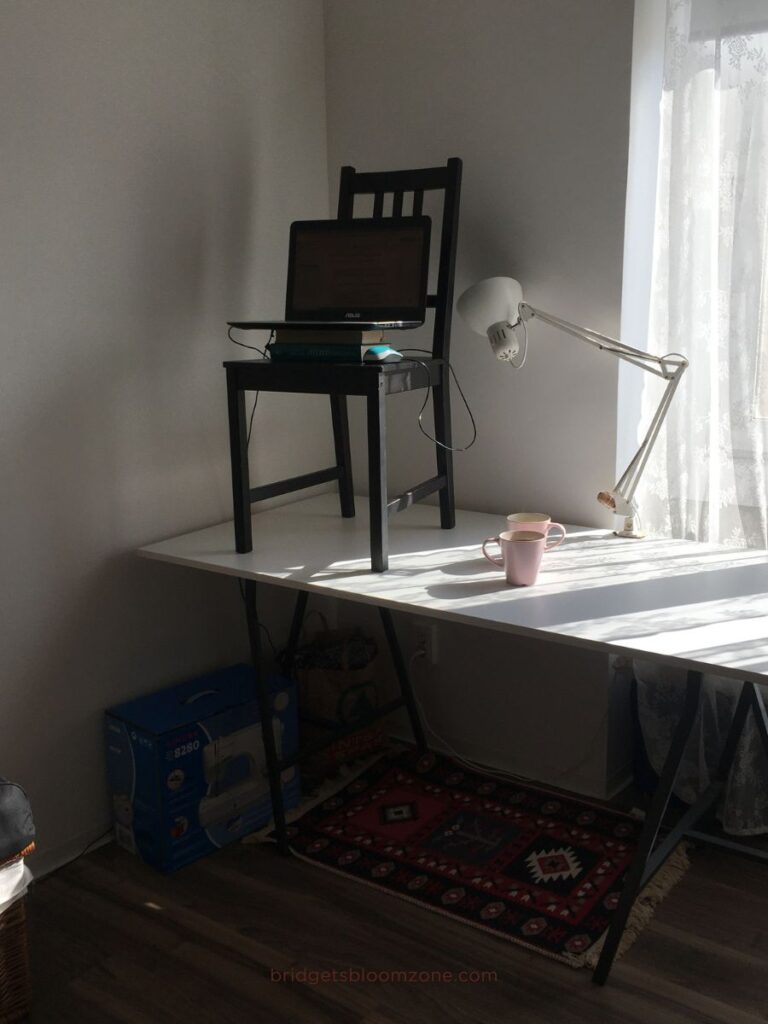
Before risers were sold, everybody improvised. My cardboard box was one of the tidier examples.
- A dining chair set on the desk, laptop balanced on the seat
- An ironing board, which is genuinely height-adjustable and genuinely terrible
- A stack of hardbacks, restacked daily as the pile settles
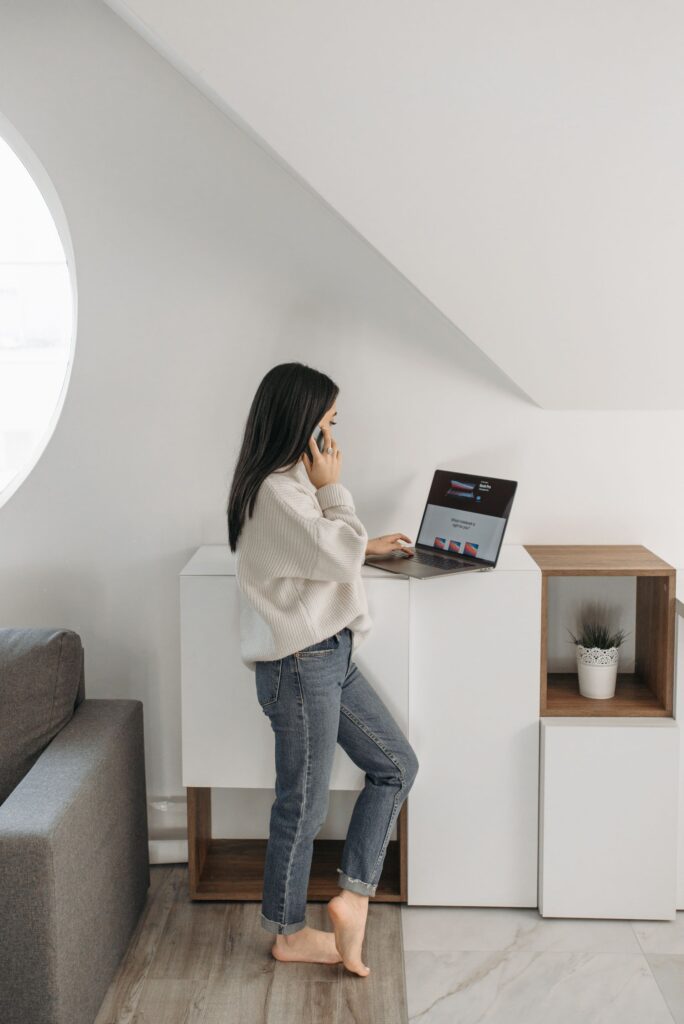
- A shelf bracket screwed to the wall at elbow height, which is the standing desk hack that survives
That last one deserves a serious mention. A fixed shelf at your standing height costs very little and works like a built in standing desk, provided it only has to do one job.
When to stop trialing
Buy properly once you catch yourself standing daily and resenting the improvised surface. Spend on something you want in the room, because it will live there for years.

Walking Pads and Under-Desk Bikes: Which Tasks They Suit
A treadmill under the desk is the natural next thought. It suits fewer tasks than people expect.
What the research found
A meta-analysis of eighteen studies compared cycling and treadmill workstations against ordinary seated work.
Both slowed typing, the treadmill considerably more. Cycling raised typing errors, and neither affected selective attention.
The interesting result went the other way. Recall improved measurably, and the authors put the performance drop down to motor control rather than thinking.
The task rule that follows
Split your day by what your hands are doing. Calls, listening, reading and problem-turning all suit walking.
Precise typing, drawing and anything mouse-heavy do not. Forcing those onto a moving belt is how the machine ends up under the bed.
Where it lives when you are not on it
Flat pads run roughly 11 to 14 cm thick. Measure the gap under your sofa or bed before you buy.
Add a centimeter for the transport wheels, which usually sit slightly proud of the deck. A pad that fits on paper and fouls on the wheels is the most common version of this mistake.
On wood or tile the vibration travels down to whoever lives below. A dense equipment mat absorbs some of it, and walking rather than running handles the rest.
Choose the tasks first and the machine second. The reverse order is why so many get resold within a year.
Final Thoughts
The evidence supports one claim clearly. These desks get people to sit less, and the benefit fades unless something keeps you using them.
Standing all day swaps one static posture for another. Build the day around changing position instead, starting at two hours and working toward four.
In a small home the harder question is the room. Get the depth to 60 cm, hide the cables, and match the top to the wood already there.
Tell me whether you bought one and still use it, because that is the honest test. Leave a comment below, or join the newsletter to follow the renovation diary.
Frequently Asked Questions About a Standing Desk Home Office
Is a standing desk worth it in a small apartment?
It is worth it if you work full days at home and want to sit less. For a few hours a week, a desktop riser gives the same benefit without adding furniture.
What height should a standing desk be?
Stand upright with your shoulders relaxed, bend your elbows to a right angle, and measure from the floor to the underside of your elbow. For a 175 cm adult that comes out around 105 cm. Take the measurement in the shoes you wear at your desk.
Do I need a monitor arm with a standing desk?
You need some way to raise the screen when the desk rises. An arm is tidiest, and an adjustable riser also works.
How much floor space does a standing desk need?
The desk takes the same area as a fixed one, so 120 x 70 cm covers a monitor setup. Add 90 to 100 cm of clear floor behind the chair for the seated half of the day.
Do standing desks help with back pain?
A meta-analysis of sit-stand workstations found a small reduction in low back discomfort among people without existing pain. Standing for hours at a stretch creates its own trouble.
How many hours a day should I stand at my desk?
Expert guidance suggests two hours of standing and light movement at first, building toward four. A practical rhythm is twenty minutes sitting, eight standing and two moving per half hour.
Is a desk converter as good as a full standing desk?
For laptop work and short sessions it does the same job for far less money. The raised surface is smaller, and the seated height underneath stays fixed.
Can I use a walking pad in an apartment without disturbing the neighbors?
A dense equipment mat and slow speeds handle most of the vibration on a hard floor. Keep it to reasonable hours, since what travels downward is footfall.